
Tracking page
What the customer sees on /o — ETA window, map, no sign-in and no app.
The customer opens the link you sent. They do not create an account and install nothing. They see that one delivery.
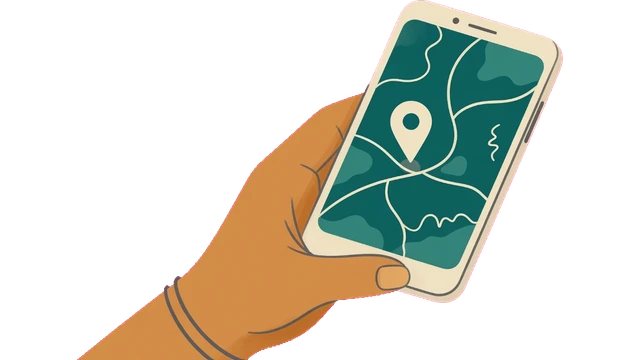
What the customer sees
The address has the form your-id.delieta.pl/o/CODE (or your own host on a plan with the White-label item). CODE is the short order code. How to send it: How to send the tracking link. DNS: Tracking domain.
The page shows your company name, brand colour, header, and — if you upload them — a banner and logo. When the driver is on the way, a map and the ETA window are added. The page does not show the customer’s name, phone or address to strangers. Whoever knows the link sees that one delivery, not the customer’s details.
Another company’s address with your code shows nothing. This is deliberate protection. Search engines do not index this page.
After delivery the page opens as finished, not as an error. The old link on delieta.pl/o/… still works.
flowchart TD
  link["Link /o/CODE"] --> host{"Company host?"}
  host -->|"yes"| glance["One delivery, okno ETA"]
  host -->|"someone else's host"| miss["Shows nothing"]
  glance --> done["After delivery: finished, not an error"]
ETA window
The customer sees a range of minutes, not a single minute. One number would suggest an accuracy that does not exist, and would worry the customer when the minute moves. The ? button in the panel opens the same concept: ETA window.
A live window appears only when the order is on the way and we know the driver’s position and point B. If anything is missing, the page keeps working, just without a window. An order in the oven does not show a car on the map.
Without Fleet
When Fleet is off, the page keeps working but in a status only version: the shop name and the order steps, with no map, no driver position and no ETA window. A link the customer already has still opens. When Fleet is switched on again, the full page returns. See Modules.
Nobody delivers a pickup order, so it has no “On the way”. The customer sees “Ready for pickup”.